Money in Crash Engine comes from two repeatable activities: crashing vehicles and completing the Tasks shown in the upper-left panel. The most dependable approach is to combine ordinary crashes with the current task rather than relying on an automatic loop. Crash severity can affect crash income, but the available information does not provide a reliable formula or fixed payout table.
Money sources at a glance
Use this table to choose an earning route. “Available” means the activity is described as a way to earn Money; it does not imply a fixed payout or guaranteed multiplier.
| Money source | What to do | Requirement | What is known |
|---|---|---|---|
| Crash Rewards | Drive a Car into objects, ramps, obstacles, or other vehicles | A drivable Car | Crashes can award Money; the formula and exact values are not published |
| Tasks | Open the upper-left task panel and complete its current objective | Follow the location, damage, or impact instruction | Completed tasks provide additional Money; the task must reset before another one is available |
| High-impact crash setup | Combine speed, ramps, Grab Mode, or heavy Props to make a larger crash | Usable Build Items and a vehicle that can be repaired or respawned | A harder crash may improve the earning opportunity, but no dependable multiplier is confirmed |
The first two rows are the core routes. A crash does not need to be part of a special machine to be useful, and a task can turn a normal crash or location objective into an additional payout. Build Items are best understood as ways to create better crash conditions, not as a separate currency source.
If a task is awkward, keep earning from crashes instead of waiting idle for the next objective or spending Money too prematurely early.
How crash rewards work
Choose a Car, drive toward a target, and make contact with an object, ramp, obstacle, or another vehicle. The game’s soft-body physics show the resulting damage, and the supplied gameplay information confirms that crashing can produce Money. Another account describes the amount as depending on how hard the crash was, so higher speed and more severe damage are reasonable ways to pursue a stronger result.
That relationship is useful but not precise. There is no supported list of payouts for a light impact, a destroyed part, a totaled vehicle, or a particular Car. There is also no reliable evidence for a reward cap, a guaranteed bonus for a specific Prop, or a universal speed threshold. Treat each crash as an opportunity to earn rather than as a calculation with a known return.
For a controlled attempt, place a Speed Pad or another suitable Build Item, drive through the setup, and aim at a clear target. Ramps can change the angle of impact, while Cannons, Bowling Balls, Crash Dummies, and other Props can create different collision scenes. Grab Mode lets you pick up, throw, or reposition vehicles and obstacles when driving alone cannot create the desired arrangement. These tools change the setup; they do not establish a published Money rate.
When the Car is too damaged to continue, use the available repair action or respawn the vehicle before beginning another run. The repair interaction is described as R Repair. Repairs and respawns make another crash possible, but the available material does not establish whether every reset is free, immediate, or equally useful in every situation.
Tasks and their extra payout
Open the Tasks panel in the upper-left corner and read the current instruction before building a crash. Examples include crashing into anything, breaking a specific part such as a rear-view mirror, or reaching a place such as the top of a pyramid. Complete the exact condition shown by the panel, then wait for the task to reset before treating a new objective as available.
Tasks are valuable because they can add a goal to an activity you were already going to perform. If the objective is to crash into anything, a normal collision can serve both the task and the crash-reward route. If the objective names a part, direct the impact toward that part rather than assuming that total vehicle damage will count. If the objective names a location, reach that location as written; a crash elsewhere is not a substitute.
The task cycle is mutable. A gameplay description says daily tasks appear or reset at about five-minute intervals, but the exact timer and reset behavior should be checked in the in-game panel. Do not spend Money based on an assumed five-minute schedule, and do not assume that a completed objective can be claimed repeatedly before the panel updates.
A practical earning routine
Start with a normal Car and check the task before buying a new setup. If the objective is compatible with a crash, perform it while making a useful impact. This avoids spending your first Money on a Build Item before you know whether the current task can be completed with equipment you already have.
After the task is complete, continue with ordinary crashes while the vehicle is available. Aim for clear, repeatable collisions and observe the resulting Money rather than trying to reproduce an unverified payout number. If your current Car cannot create enough speed or control for the target, save toward a faster or stronger Car instead of buying several unrelated Props.
Once you have enough Money for a useful setup, add one change at a time. A Speed Pad is described as a way to increase vehicle speed and make stronger crashes. A Ramp changes the approach angle, and a heavy Prop can provide another collision target. Testing one change makes it easier to tell whether the setup is helping; the game does not provide a published efficiency table for comparing every item.
Earn Money from crashes, Tasks, and a Speed Pad
These linked moments show the crash and task earning routes, a Speed Pad setup for stronger impacts, and the approximate daily-task cycle described in this guide.
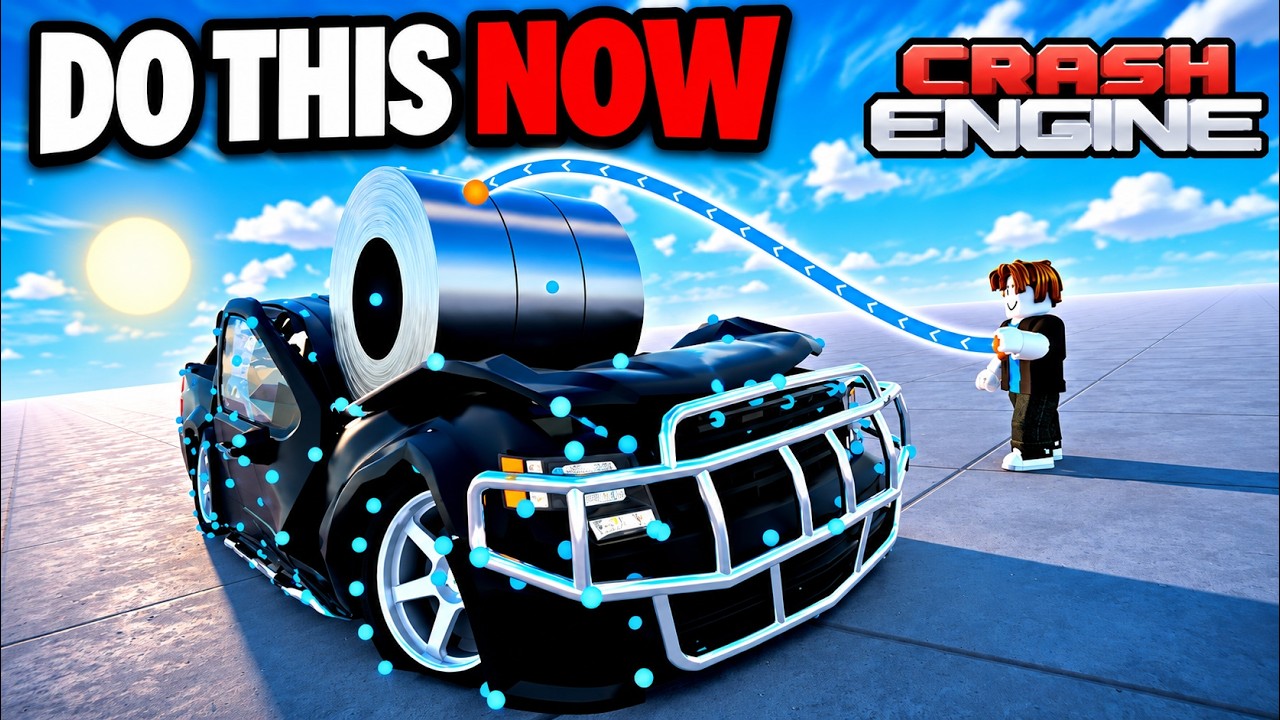
Repair or respawn the Car after a run, then repeat the route that still matches the current task. When the task panel changes, reassess the objective instead of forcing the previous crash. This creates a simple loop: read the task, make a supported crash or reach the required place, collect the result, reset the vehicle, and choose the next target.
Spending Money on Cars and Build Items
Money is used for both Cars and Build Items. Cars differ in engine, drive layout, speed, handling, weight, and the crash setups they can perform. Build Items include Speed Pads, Brakes, Ramps, Bowling Balls, Cannons, and Crash Dummies. The best purchase depends on whether your immediate problem is reaching a location, creating speed, controlling the approach, or adding a collision target.
A faster Car or a Speed Pad can help when your current setup cannot create a strong impact. A Ramp may be more useful when the target requires a changed angle. A Brake can help with control, but its value depends on the maneuver you are attempting. These are decision rules, not price or payout claims: the available reference does not include a complete Car price list, Build Item price list, or Money requirement ladder.
Because every purchase reduces your current balance, start with the smallest change that solves the current objective. If the task can be completed with your present Car, keep the Money for a future upgrade. If repeated crashes are too slow or difficult to control, prioritize the Car or item that addresses that bottleneck rather than buying a collection of Props without a specific use.
Keep earning and spending separate when you compare setups. A larger crash may create a better earning opportunity, but a setup that requires several purchases can delay the next useful Car. Identify the actual bottleneck first: insufficient speed, an awkward impact angle, poor stopping control, or a missing collision target. Choose one Car or Build Item that addresses that problem, then return to the Tasks panel and judge the change against the next run. This avoids treating every new Prop as an upgrade and preserves Money for purchases that change what your Car can do.
Macro loops and their limits
A repeated setup using a Speed Pad, Restart, respawning, and R Repair is described as a possible macro-style way to repeat crashes. It is not a dependable primary progression method. The same account warns that the loop can malfunction, including problems around teleporting or respawning. A failed loop can leave the vehicle or sequence in an unusable state, so it should not be treated as guaranteed passive income.
Use manual tasks and ordinary crashes as the reliable baseline. If you experiment with a repeat sequence, watch the vehicle, confirm that the crash occurs, check that Money changes as expected, and stop when the reset or repair state behaves differently. Do not infer that a single successful repetition proves a stable payout, a fixed timing, or an official automation feature.
What is not yet a fixed Money value
Crash Engine’s available Money information answers where to earn and what the main tools do, but it does not support a numeric economy guide. There is no verified crash formula, fixed payout by damage type, reward multiplier for Speed Pads, complete Car price list, complete Build Item price list, or confirmed Money cap. The task timing is described approximately rather than as a guaranteed interval.
For those values, use the current Money balance, purchase panel, and Tasks panel in the game as the authority. The practical takeaway is straightforward: combine the active task with normal crashes, use Build Items only when they solve a clear setup problem, and keep expectations flexible when comparing crash severity or repeat methods.
First-time Crash Engine Money questions
Should I buy a Speed Pad before completing my first task?
Not necessarily. Check the current task first and complete it with the Car and setup you already have when possible; buy a Speed Pad when creating more speed would solve a clear crash or control problem.
What should I do when a task does not reset?
Confirm that the objective is complete, then wait for the task panel to update before treating another task as available. The exact reset timing is mutable, so use the current in-game panel rather than relying on an assumed interval.
Is a harder crash guaranteed to pay more Money?
No fixed guarantee is established. Available gameplay information says the amount can depend on crash severity, but it does not provide a formula, multiplier, or payout table for specific impacts.
Can a macro loop be my main Money method?
It should not be your main method. A Speed Pad, Restart, respawn, and R Repair loop is described as error-prone, so manual tasks and ordinary crashes are the more dependable baseline.